One Browser.Isolated Sessions.Absolute Privacy.
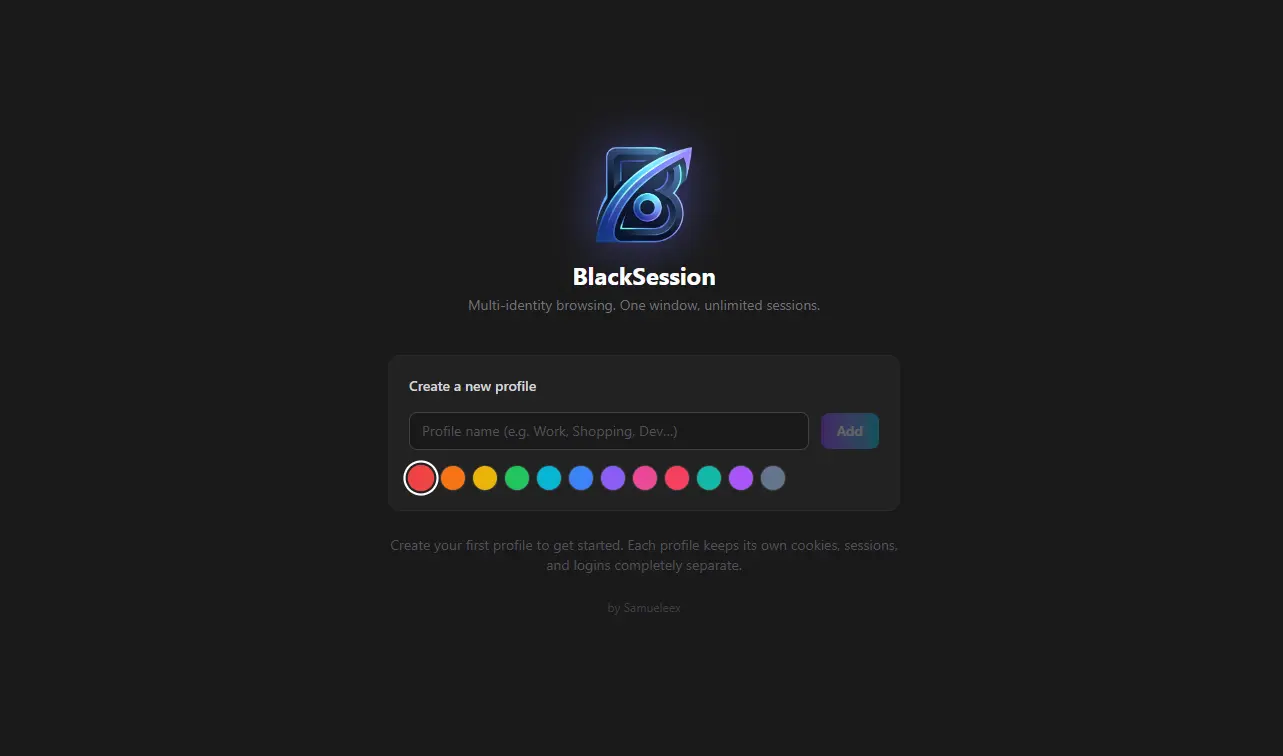
Create your first profile to get started. Each profile keeps its own cookies, sessions, and logins completely separate.

Built for those who can't afford leaks.
Each profile is fully isolated — cookies, sessions, and logins never mix. BlackSession enforces separation at the browser engine level.
Profile Isolation
Every profile runs in a sandboxed container. Cookies, localStorage, IndexedDB and cache never combine between identities! by design, NOT policy.
Secure Sessions
Sessions are encrypted. Each profile generates its own storage partition key, authentication tokens cannot be accessed cross-profile.
Multi-Identity Browsing
Maintain different logged-in sessions across any number of accounts on the same site. Work, personal and client Gmail accounts all side by side.
Proxy Per Profile
Assign a different proxy: SOCKS5, HTTP or HTTPS to each profile. Traffic from one identity never shares an IP with another.
All isolation is enforced at the Chromium storage partition level.
One browser. Infinite identities.
BlackSession lets you create isolated browser profiles where cookies, sessions, and logins never mix. Each identity is sealed at the storage-partition level and you can put different proxies for each profile.
Create a profile
Give it a name and a color. BlackSession provisions a completely fresh Chromium storage partition — no shared state with any other profile.
Assign a proxy
Optionally bind a SOCKS5, HTTP, or HTTPS proxy to the profile. All traffic from that identity routes through its assigned exit — nothing bleeds to the others.
Browse in isolation
Log into any site. Cookies, sessions, tokens, and cached assets are scoped exclusively to this profile. Switch profiles instantly — zero cross-contamination.
"BlackSession lets users create isolated browser profiles where cookies, sessions, and logins never mix."